So far, your project only lives as code in the cloud. Let’s change that and execute it on your local edge device.Documentation Index
Fetch the complete documentation index at: https://docs.otee.io/llms.txt
Use this file to discover all available pages before exploring further.
Connect your vPLC
Make sure that your project is attached to the correct vPLC before you deploy your logic into production. Click on “Click here to select a vPLC” just below your project name to open the runtime selection dropdown and select the vPLC you’ve just onboarded. If you cannot see your runtime in the list of options, please repeat the “Onboard a Device” step in this quick start guide.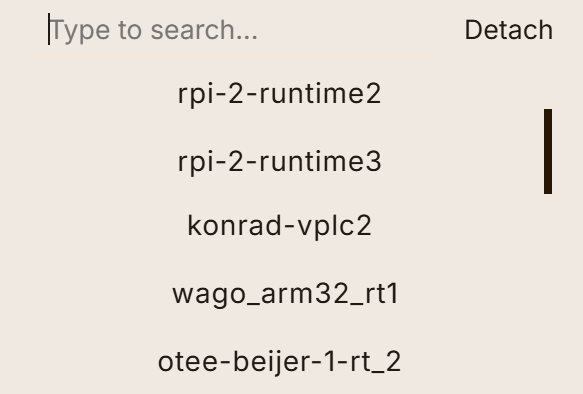
Download your project to your vPLC
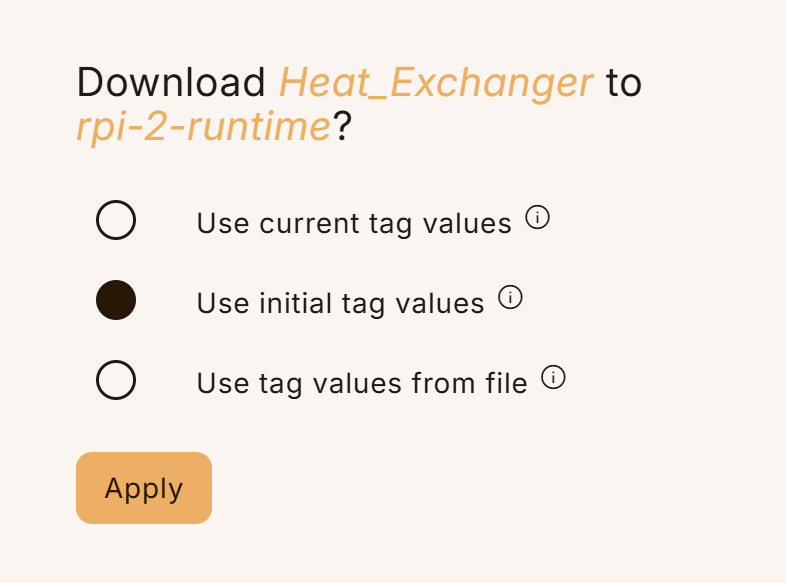
Once you have attached your project to a vPLC, the “Download project to device” button at the top of your project browser becomes enabled. Click it and choose “Use initial tag values”, then hit “Apply”. This will first save and compile your project and, if successful, deploy it to the selected target runtime. Your code is now live!