

You can use the so-called namespace driver to capture any tags/objects/metrics from the pub-sub framework into a vPLC program to drive control. This includes data coming from other vPLCs (machine-to-machine communication), but is not limited to this use case. You can likewise capture statistical data, health and status information (think e.g. redundancy), or third party data sources (like weather or energy price forecast data published into the namespace via a REST client, etc.). In the top bar of your project browser pane, press the “Create an entity” button. Select “Driver configuration” from the drop-down menu in the “Type” field, then select “Namespace” from the drop-down menu in the “Driver” field. This will create a Namespace node in your project browser tree. Select the node to access the driver configuration.Documentation Index
Fetch the complete documentation index at: https://docs.otee.io/llms.txt
Use this file to discover all available pages before exploring further.
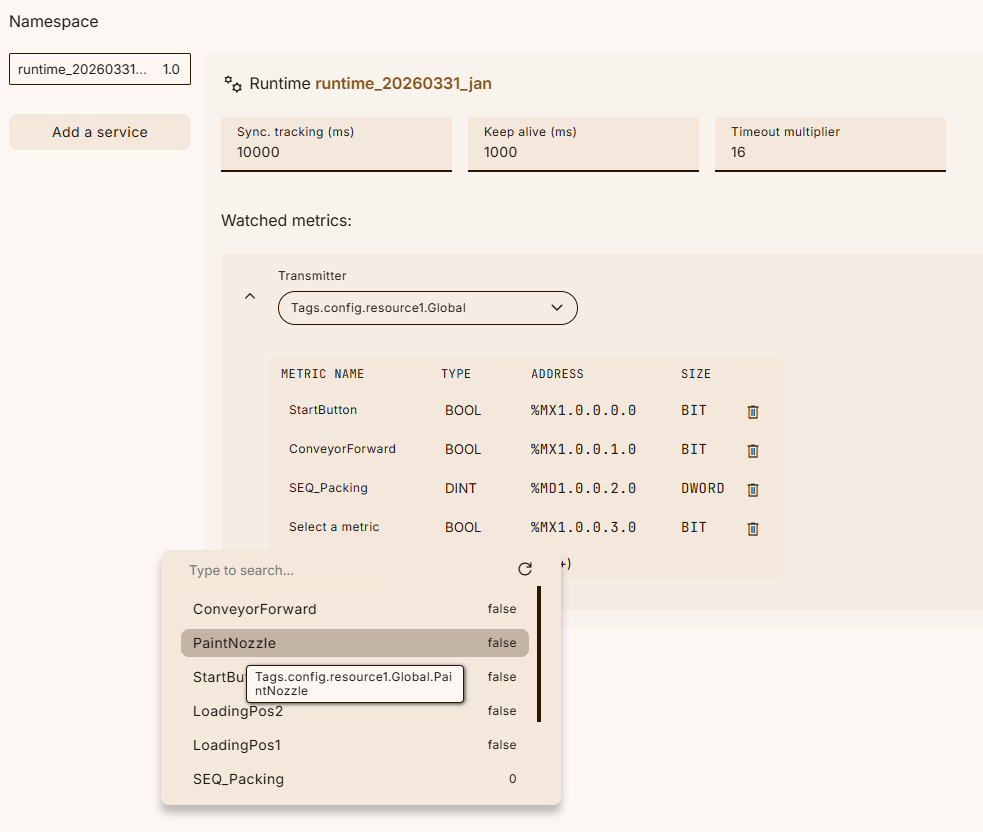
 The Namespace driver configuration happens in two steps. First, hit the “Add a service” button and select the service (or device) in your namespace which you’d like to subscribe to and explore its namespace for metrics to be included in your control logic. In case you’re setting up machine-to-machine communication between multiple vPLCs, select the other vPLC’s runtime as the service here.
In the second step, select a transmitter from the dropdown (for example, a transmitter for operational tags or system transmitters), then start adding metrics. For each metric, you can browse the specified namespace via the dropdown menu, where the data type gets automatically recognized and displayed for your information. As with all drivers, you can now reference these metrics from within your POUs’ variables and thereby pulling any data from the wider namespace into the control layer.
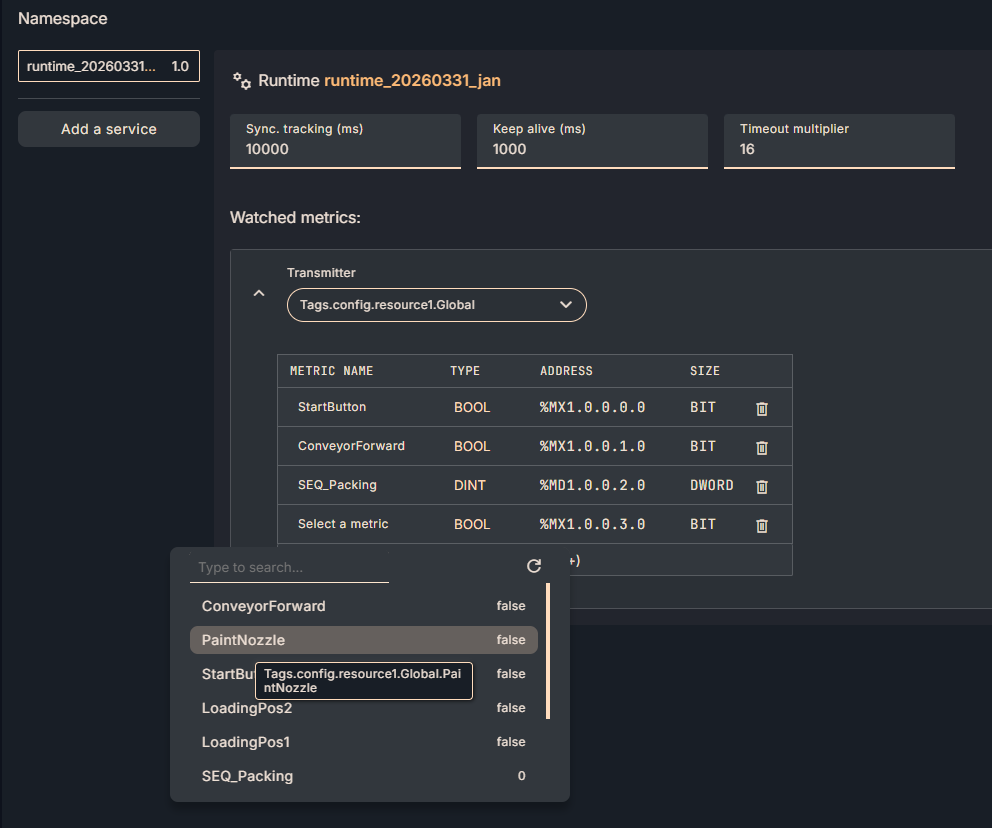
The Namespace driver configuration happens in two steps. First, hit the “Add a service” button and select the service (or device) in your namespace which you’d like to subscribe to and explore its namespace for metrics to be included in your control logic. In case you’re setting up machine-to-machine communication between multiple vPLCs, select the other vPLC’s runtime as the service here.
In the second step, select a transmitter from the dropdown (for example, a transmitter for operational tags or system transmitters), then start adding metrics. For each metric, you can browse the specified namespace via the dropdown menu, where the data type gets automatically recognized and displayed for your information. As with all drivers, you can now reference these metrics from within your POUs’ variables and thereby pulling any data from the wider namespace into the control layer.