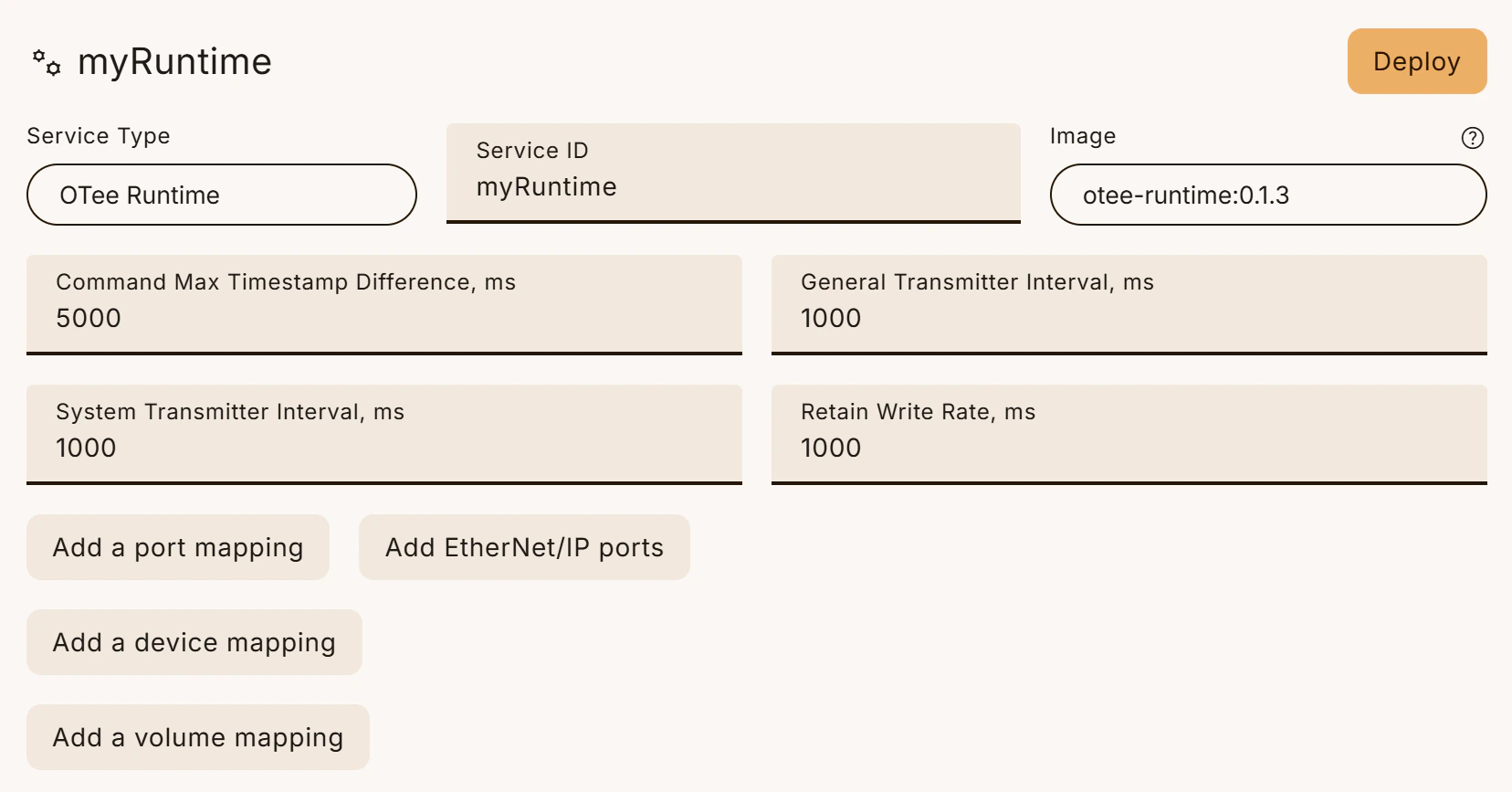
After following the installation instructions successfully in your device’s terminal, switch back to the web app. You should now see a prompt on your device page to install your first runtime (try refreshing the page if you don’t).Documentation Index
Fetch the complete documentation index at: https://docs.otee.io/llms.txt
Use this file to discover all available pages before exploring further.